Article
VS Code Setup for Front-End Web Development
VS Code (Visual Studio Code) is a relatively new editor by Microsoft, it works on top of Chromium engine, like Atom, but with a lot of useful, unique features only Desktop IDEs have, like, for example, IntelliSense.
In this article, I’ll share what I found myself useful for Front-End Web Development. I assume that you know how to install extensions in VS Code, otherwise, read a quick guide on how to do it.
Stable vs Insiders builds
I usually prefer using cutting-edge builds of editors. If you want to use the fresh build of VS Code possible with the newest features, consider using insiders channel.
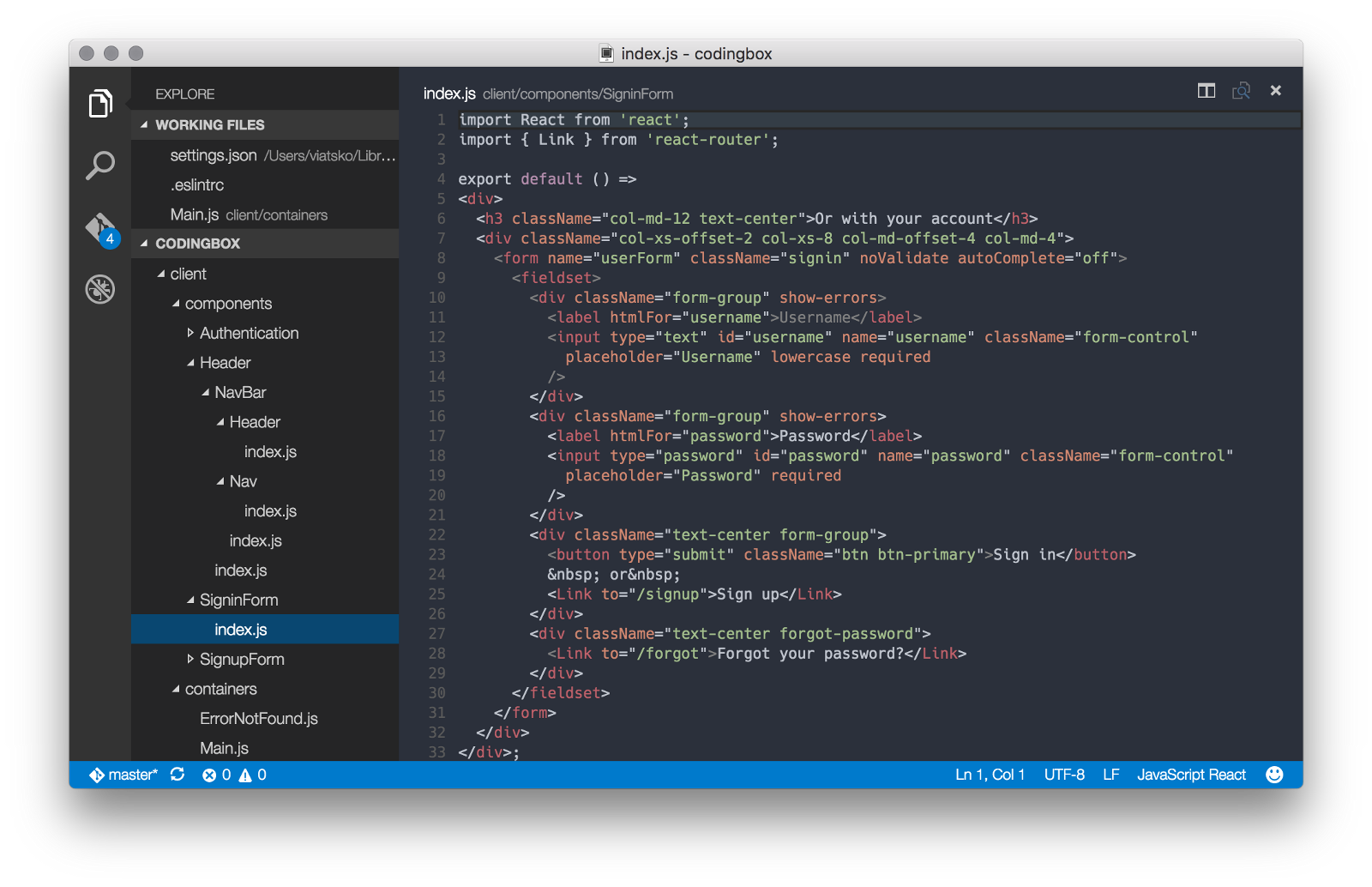
React and JSX
JSX support is a bit tricky in VS Code at the moment, you will need to have two extensions:
The last one is the linter for ES6 code. To make stuff working for ESLint in VS Code, you’ll need to have “jsx”: “true” in “ecmaFeatures” in your .eslintrc in project’s root directory:
{
  "ecmaFeatures": {
    "jsx": true
  }
}
That’s it!
CSS, LESS, SCSS and Stylus
For styles linting, I’d recommend to use stylelint extension:
This linter is powered by PostCSS, so it understands any syntax that PostCSS can parse, including SCSS.
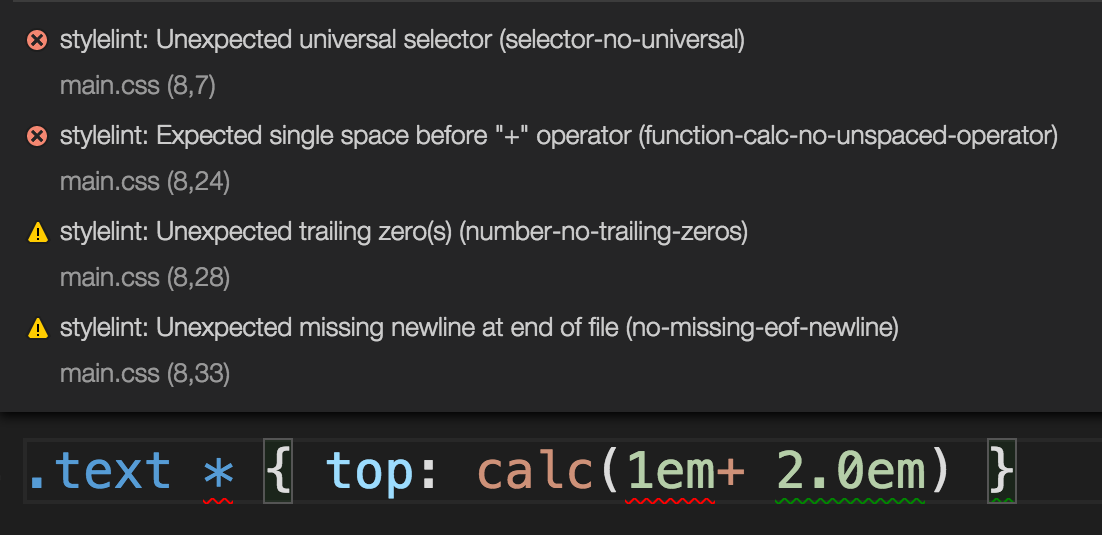
To enable it in VS Code, you should add “stylelint.enable”: true to your config (Code > Preferences > User Settings):
{
  "stylelint.enable": true
}
Some other language plugins depending on what you’re working with:
Dart — another popular web development language
Flow — plugin for flowtype, a static type checker for javascript. Useful if you want to implement type checking for your javascript project, but you don’t like TypeScript for some reason.
Handlebars — Handlebars templates support, speaks for itself :)
HTMLLint — kinda useful if you work with .html files (meant — doing initial markup) or working with AngularJS, see live demo at http://htmlhint.com/. Not very helpful in React projects.
Smarty — good old PHP templates engine
Stylus — another plugin for Stylus if you didn’t like stylelint
Swig — javascript templates engine, which is used, for example, in Mean.JS
Twig — support for one of the most popular PHP templates engine. Used in variety of Symfony applications or Bolt CMS, for example.
XML Tools — useful if you’re working with XML/XSLT projects (like BEM xsl)
Snippets
Useful extensions
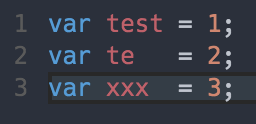
Quick alignment of multi-line selections and multiple selections
Basically just a http://jsbeautifier.org/ interface. If you are working with a very very old javascript and want to make it readable, this is your choice.
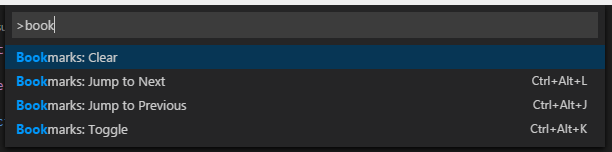
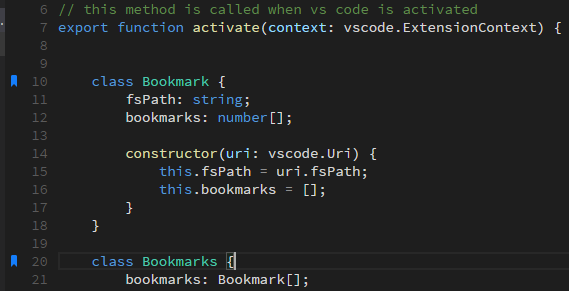
Mark lines and jump to them
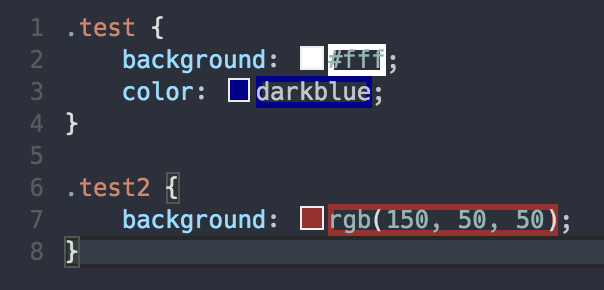
Highlight web colors in your editor
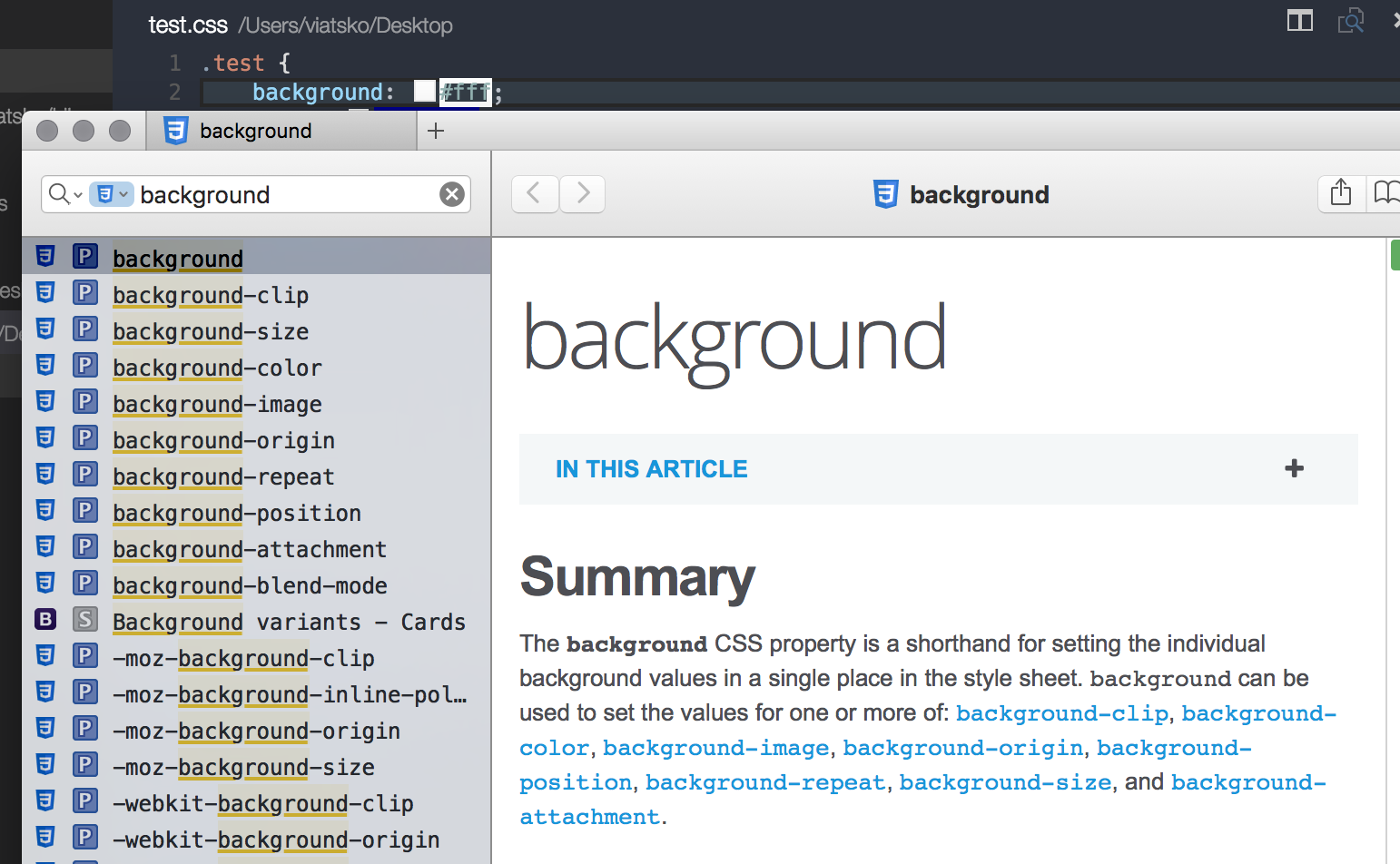
Dash integration
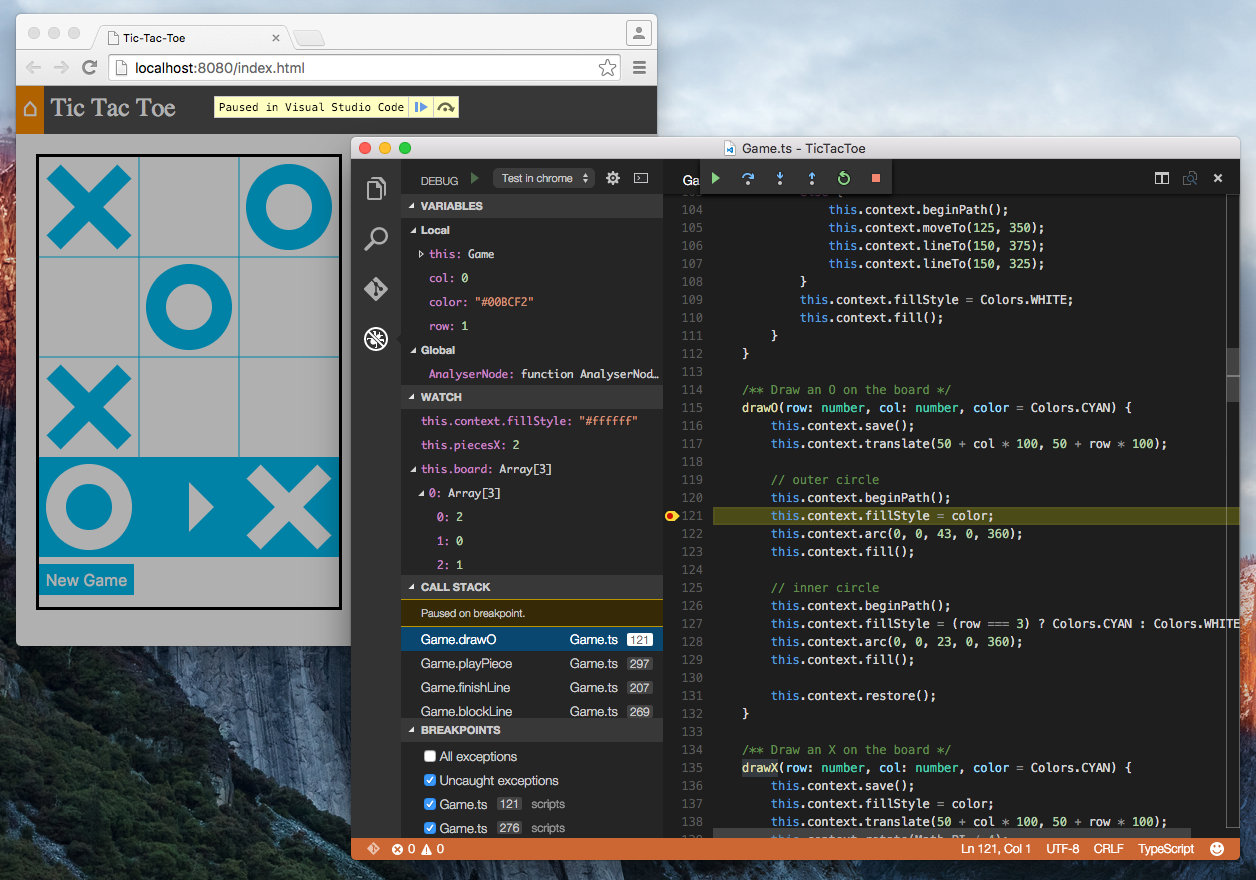
A VS Code extension to debug your JavaScript code in the Chrome browser, or other targets that support the Chrome Debugging Protocol.
Transform quotes of ECMAScript string literals
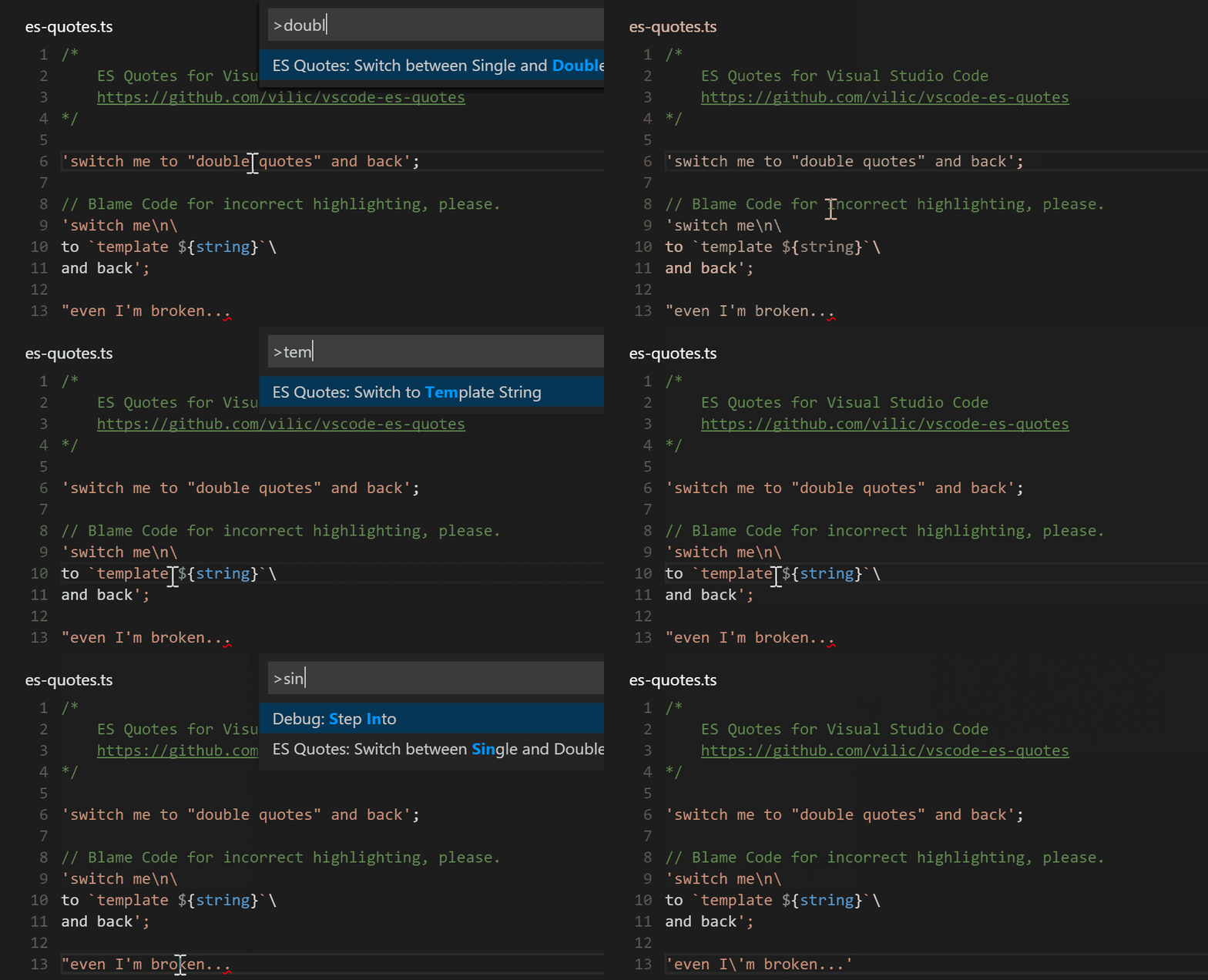
Support for popular .editorconfig files
Auto sync your work to remote FTP server
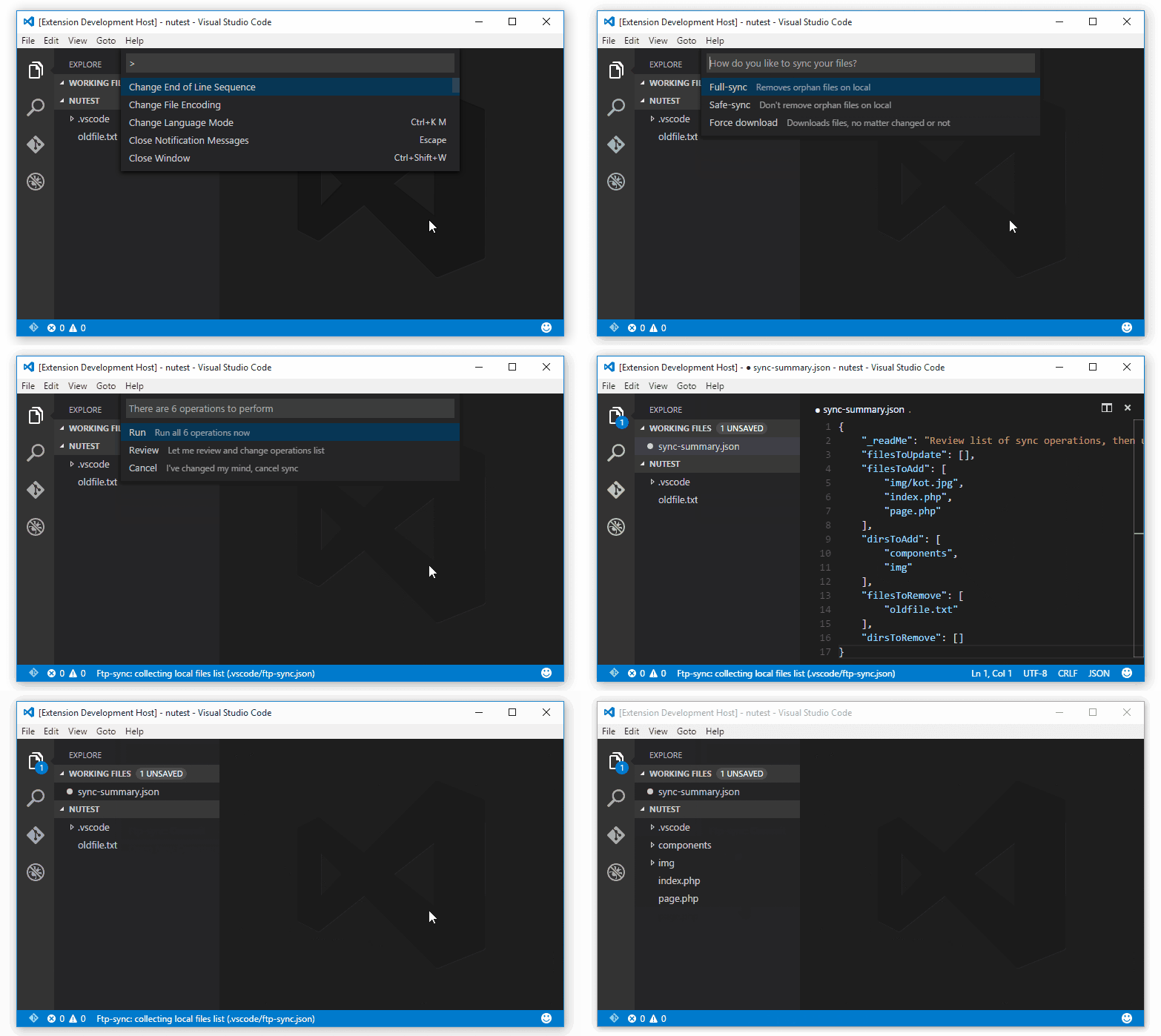
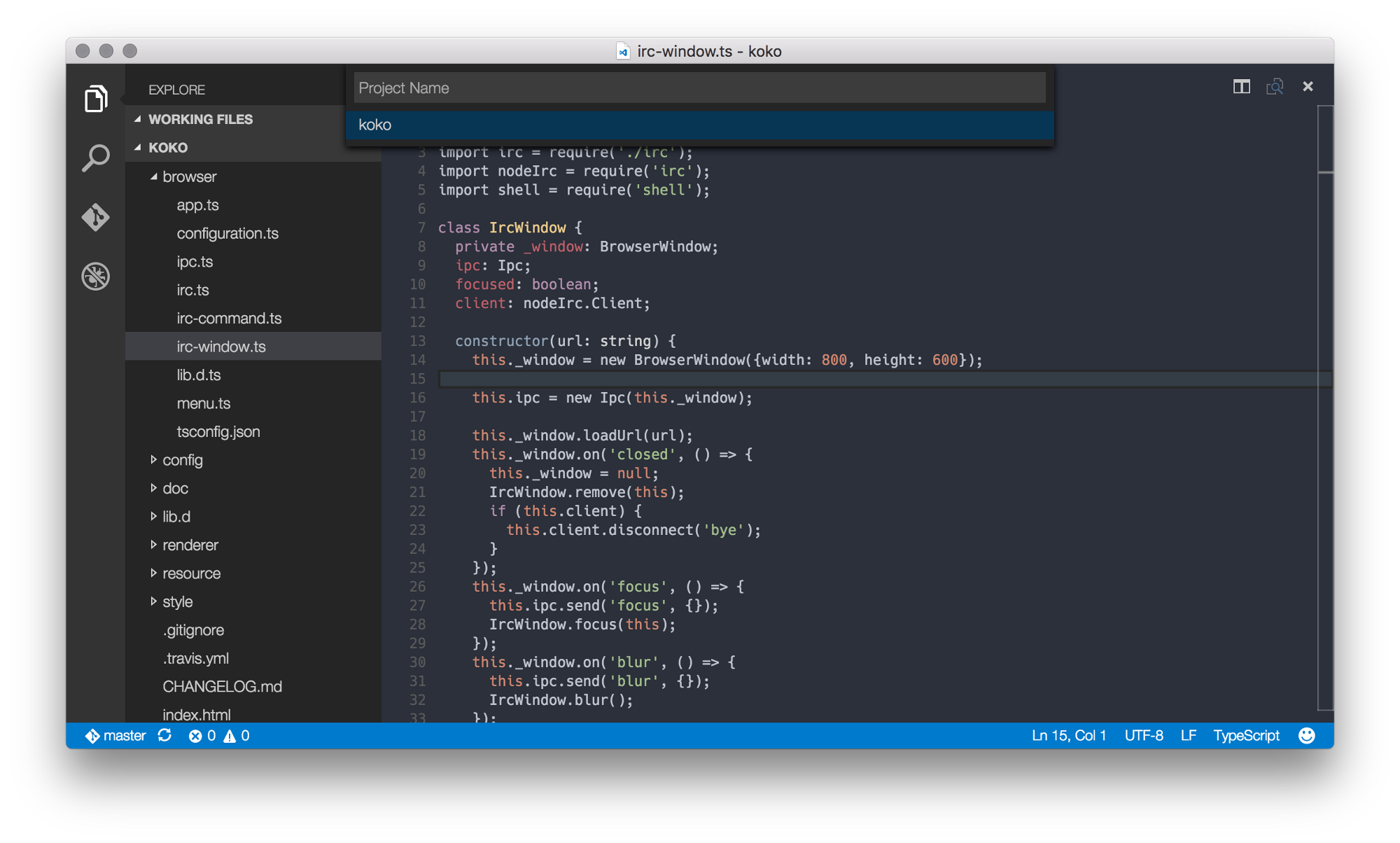
Create and open projects instantly by saving the workspace folder in VSCode.
Extremely useful if you have some scripts in your project you want to run without leaving the editor
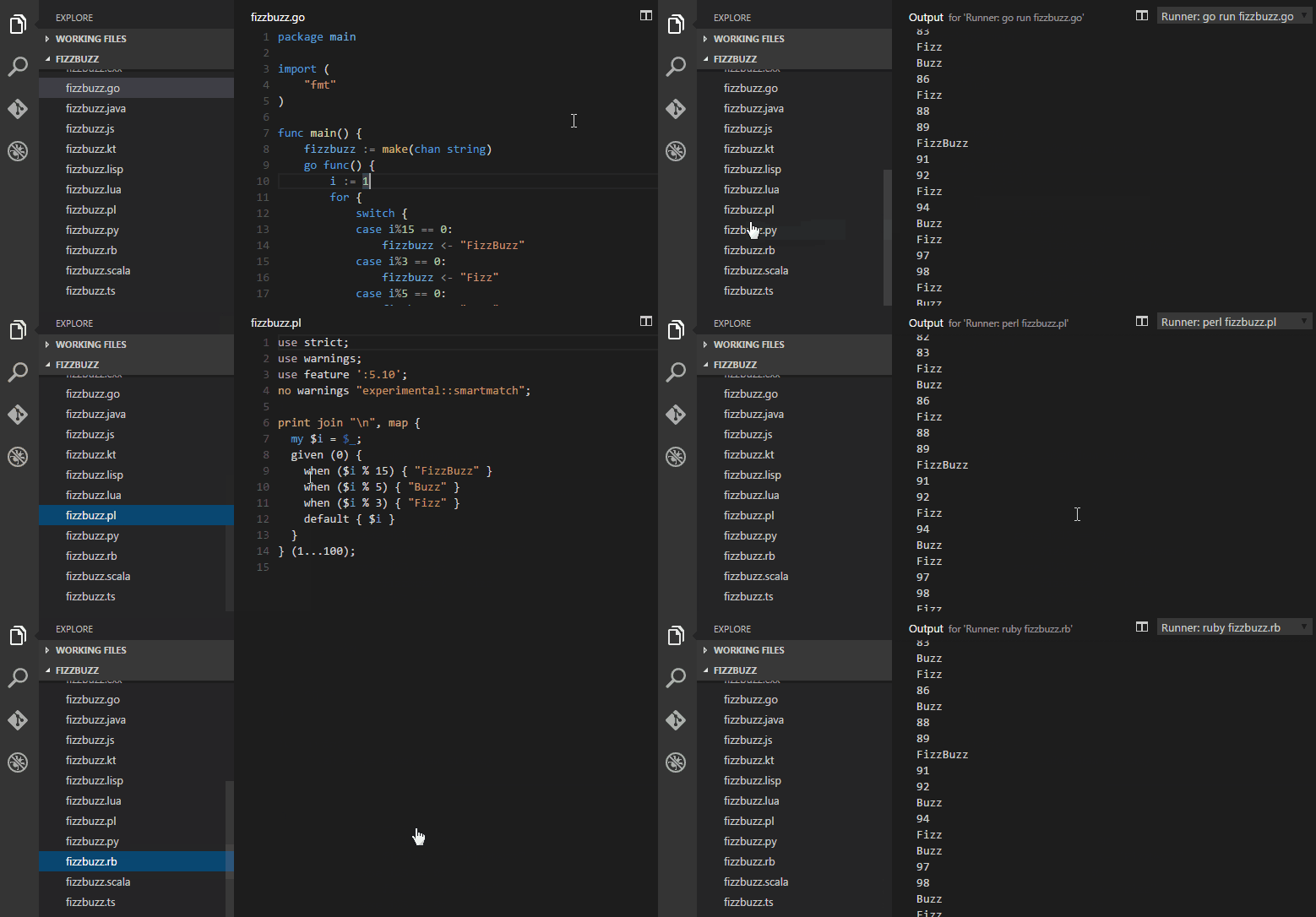
Color Themes
Unfortunately, VS Code currently doesn’t support UI themes, support is hopefully coming in the nearest future.
Here’re the cool syntax themes:
Base 16 Ocean
Base 16 Ocean Dark (from Spacegray)
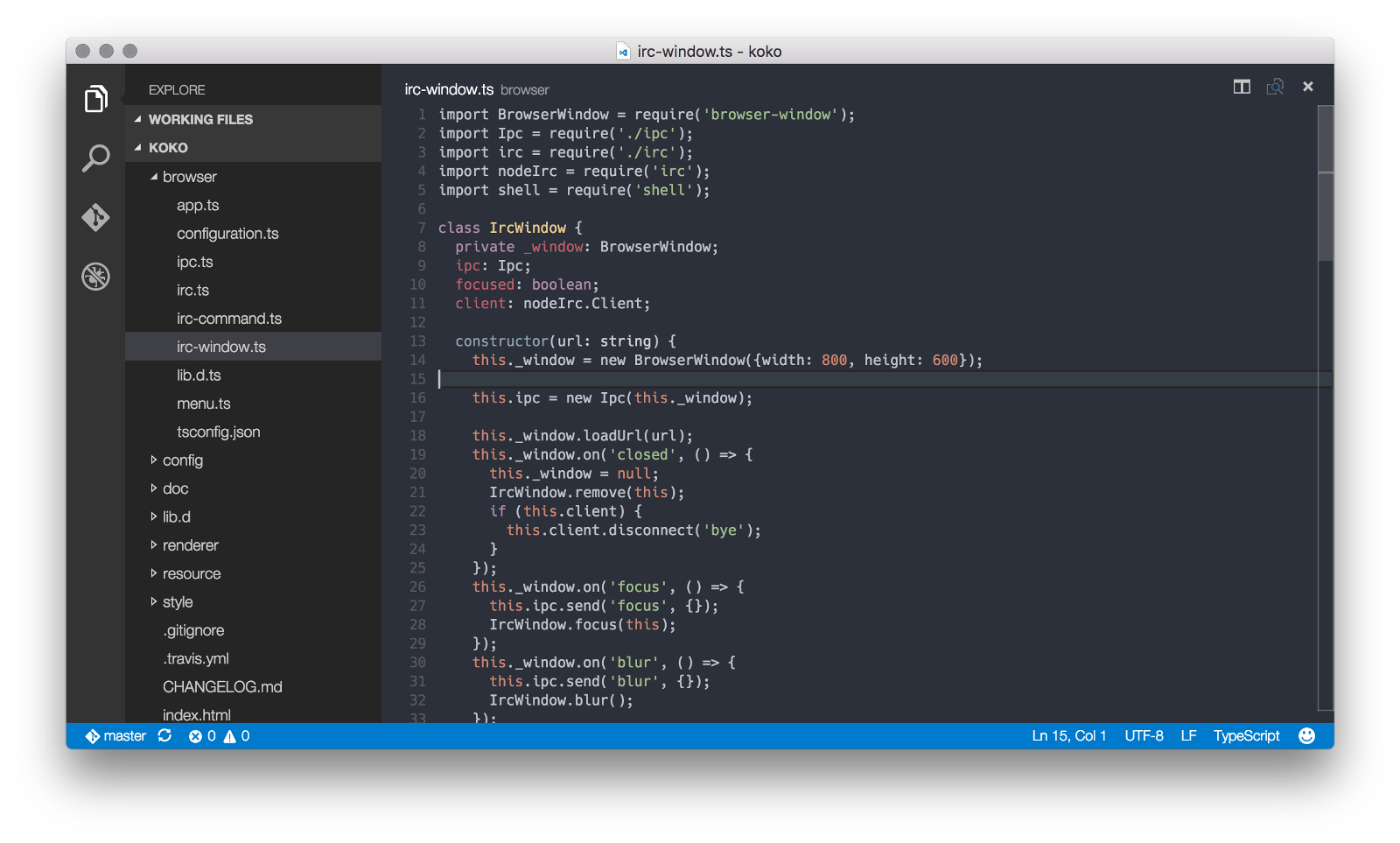
Material-theme
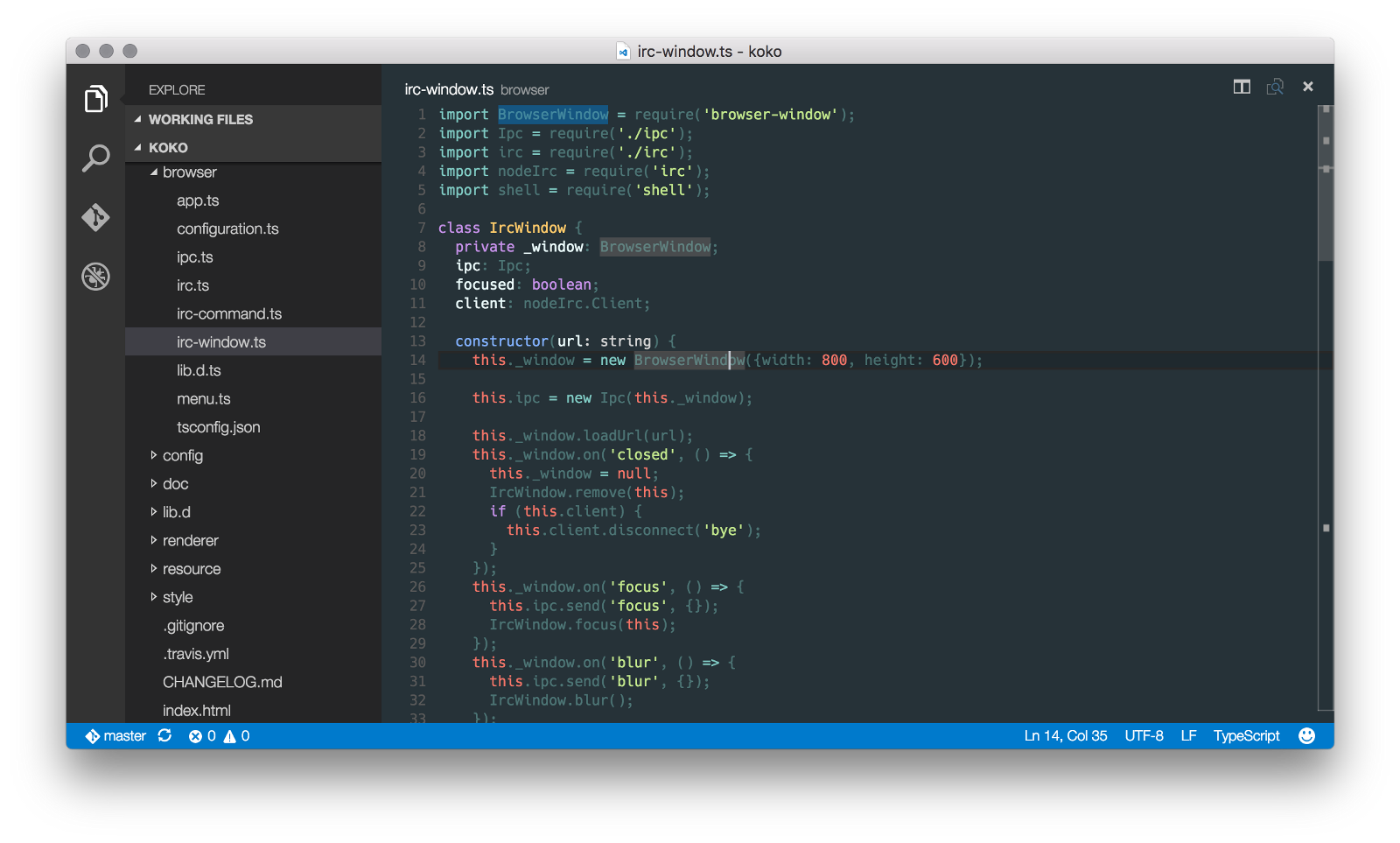
Seti
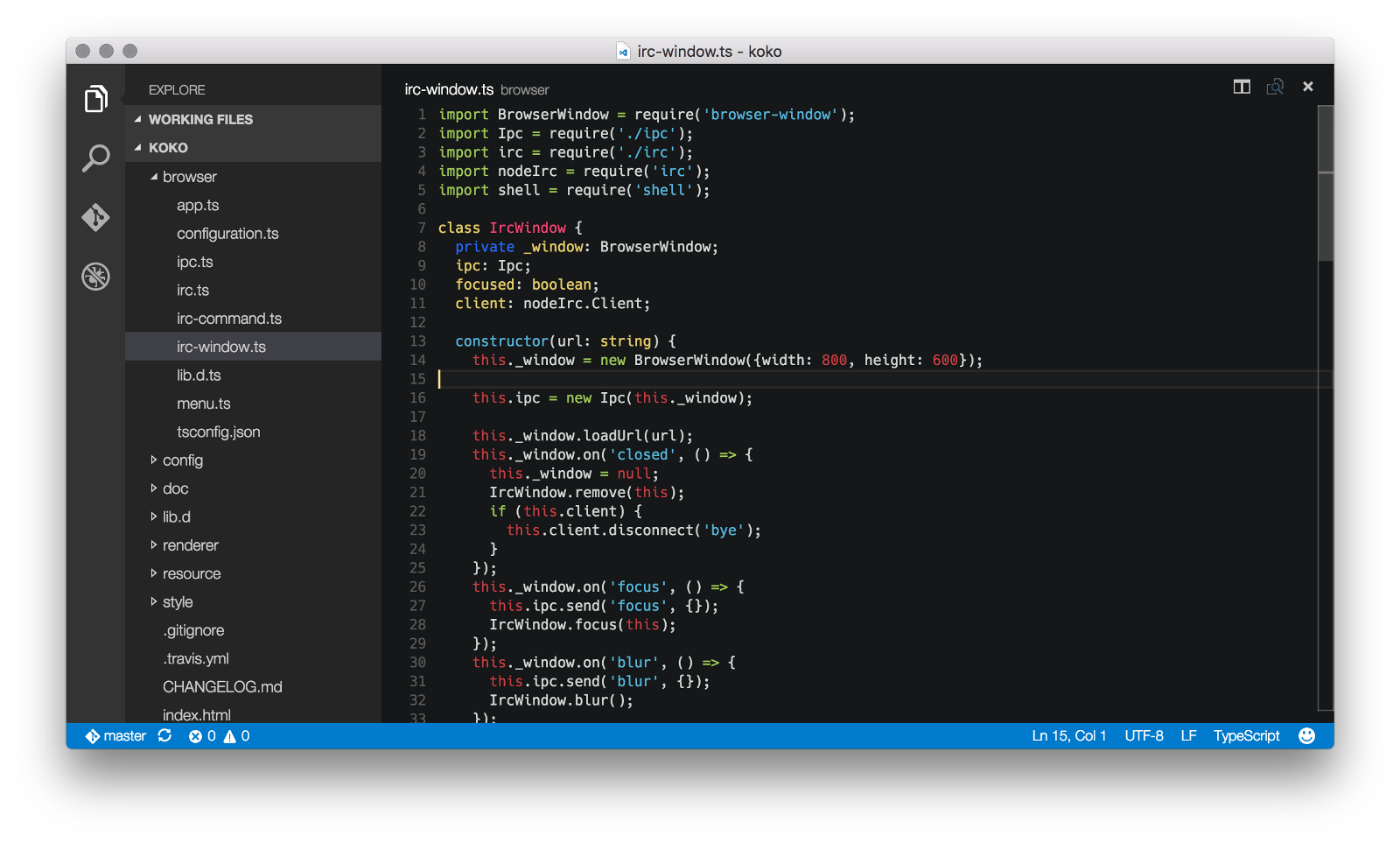
Keybindings
In Visual Studio Code, it’s relatively easy to change any keybindings. I am, for example, sometimes prefer to use Tab/Shift+Tab to indent/outdent lines on Mac OS X, here is how you could enable this behaviour (keybindings.json file is accessible via Code > Preferences > Keyboard Shortcuts):
[
{ "key": "tab",                 "command": "editor.action.indentLines",
                                "when": "editorTextFocus" },
{ "key": "shift+tab",           "command": "editor.action.outdentLines",
                                "when": "editorTextFocus" }
]
Missing extension?
If you’re missing extension, usually it’s easy to convert one from TextMate or Sublime. Visual Studio Code has a special tool called Yo Code to this job.
That’s all!
I’m currently working on Awesome VS Code, a curated list of delightful VS Code packages and resources. Make sure to subscribe and/or contribute your stuff. :)
If you have any questions, feel free to contact me on Twitter